The menubar app for distributed teams.
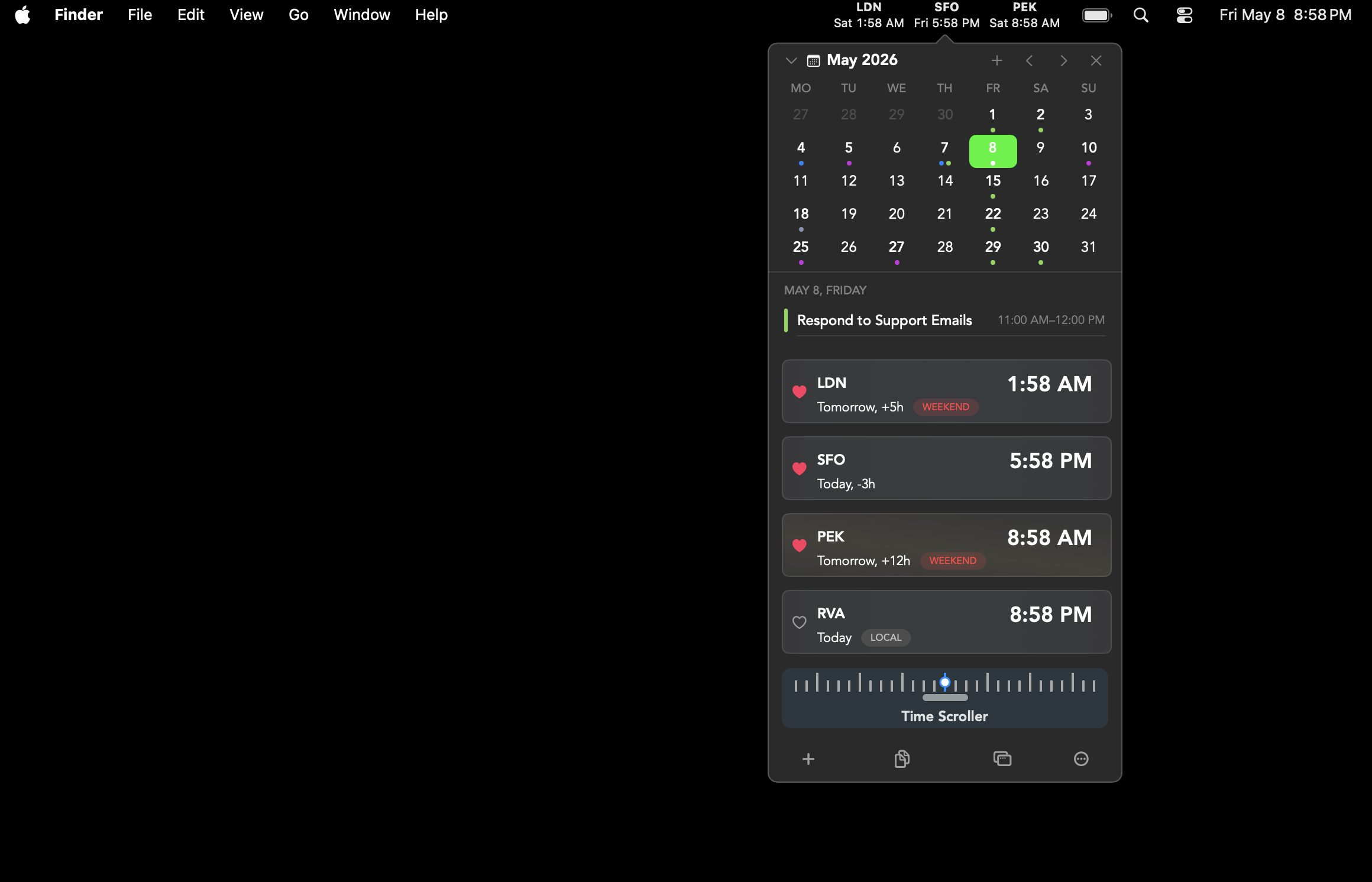
World times, upcoming meetings, and a calendar, all one glance away.


Tiny, on purpose
A focused menubar app written in Swift / AppKit.
Every clock you care about, ticking together.
Add as many cities as you want, give them custom labels, and drag to reorder, and more.
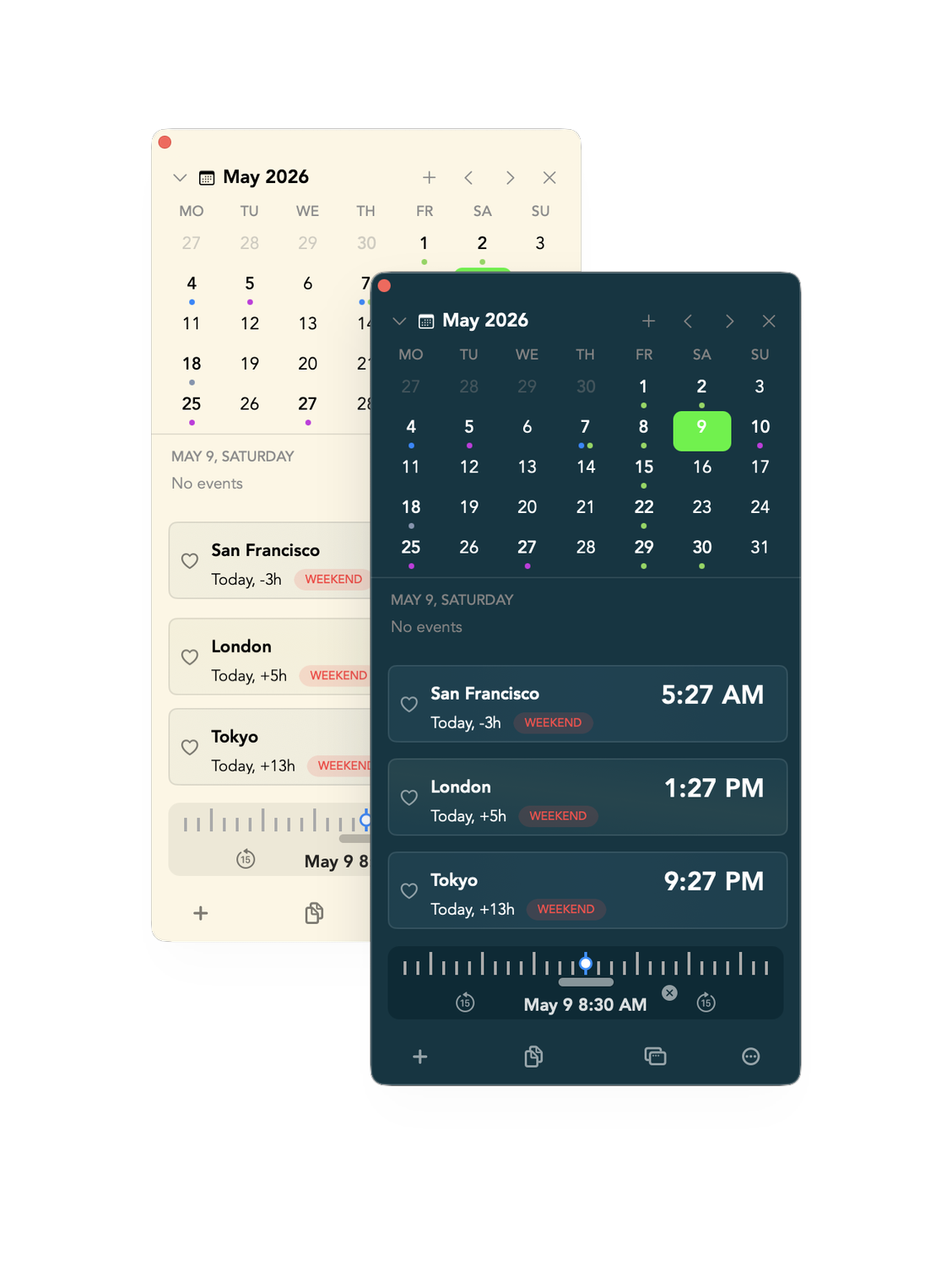
Four classic themes
Light, Dark, Solarized Light and Dark for the terminal nerds.
Snappy by design.
Panel opens in <70 ms, accessible via a hotkey of your choice.
Make it yours.
Every small detail is yours to set.
Plan meetings in the future.
Drag the scrubber and every clock moves with you. Find the only hour that works for SF, London, and Tokyo without opening a spreadsheet or your phone.
- ✓ Up to 7 days, in 15-minute steps
- ✓ Snap back with a single click
- ✓ Day/night shading on every clock
The calendar lives in your menubar now.
See today's meetings without opening anything. Click an event to join, jump 12 hours forward to schedule with Tokyo, or hit ⌥⌘C to peek at the month.
- ✓ Reads from Apple Calendar with no extra setup
- ✓ One-click Zoom, Meet, Teams join
- ✓ Quick-create events in any timezone
- ✓ Color-coded by calendar source
Testimonials
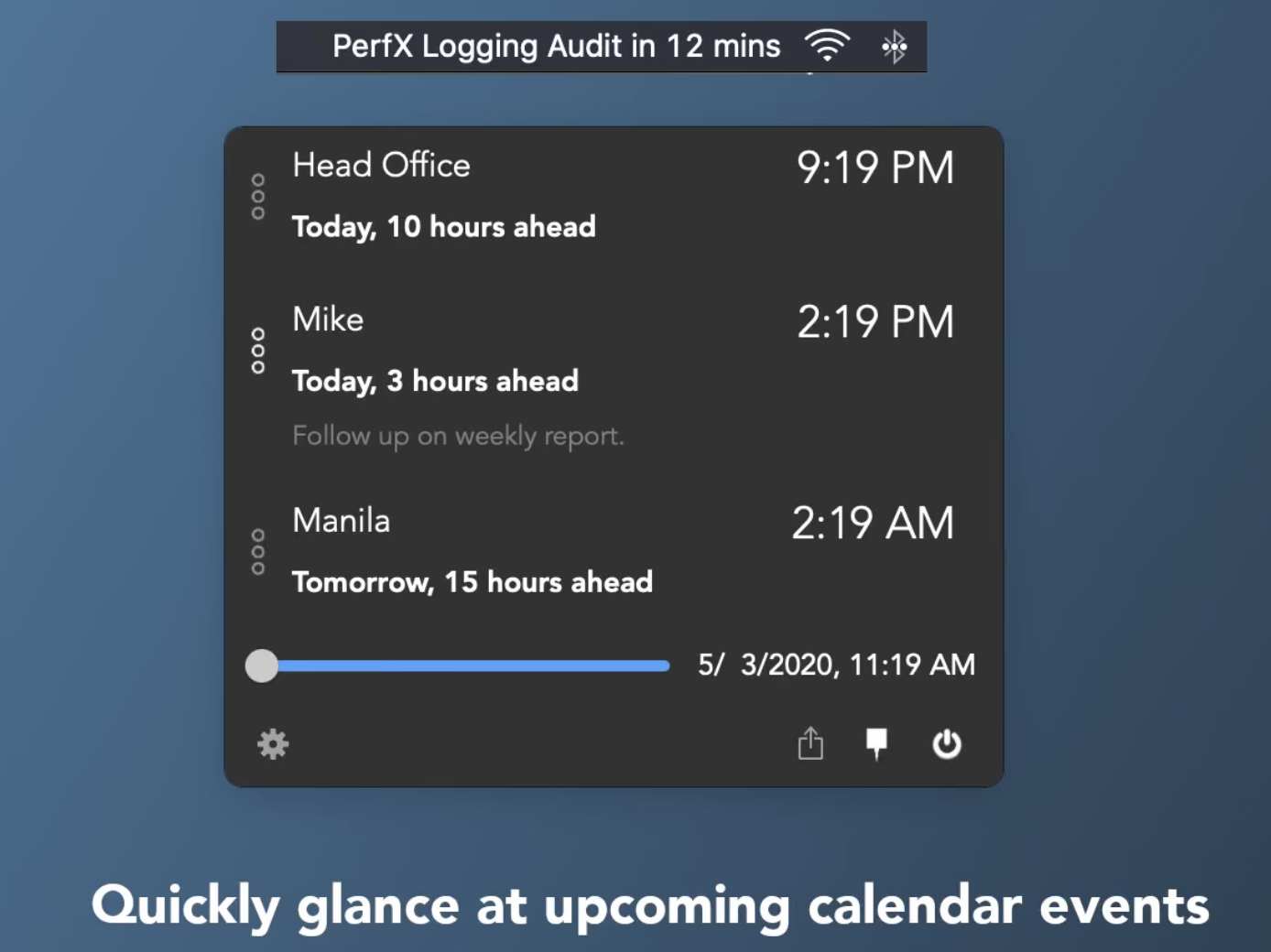
Clip from MacBreak Weekly · Episode 1023
"I'm attending Dhamma talks and meditation sessions on Zoom — hosted in Singapore, Australia, and other parts of the world. Clocker tells me what times they're happening in mine."
★★★★ · Mac App Store
"I play an international game and my alliance is mostly Chinese, so everything is in UTC time. I kept missing events — until I found Clocker."
★★★★★ · Mac App Store
"Having family all over the world, Clocker is extremely useful for keeping track of when they're awake and asleep. The day/night visual in the menubar is a great addition."
★★★★ · Mac App Store
Stop doing time-zone
math in your head.